
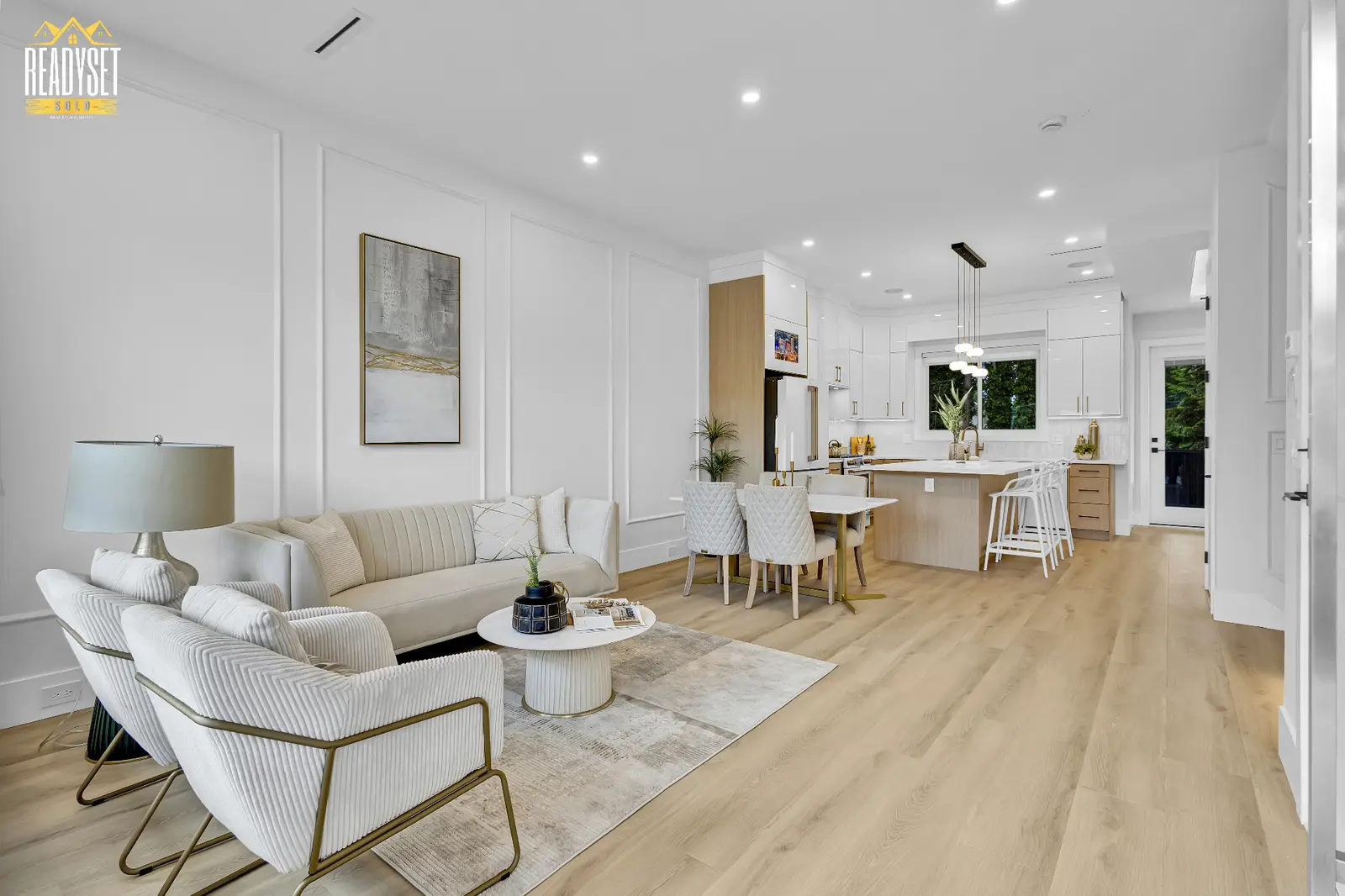
Pricing · November 13, 2026 · 6 min read
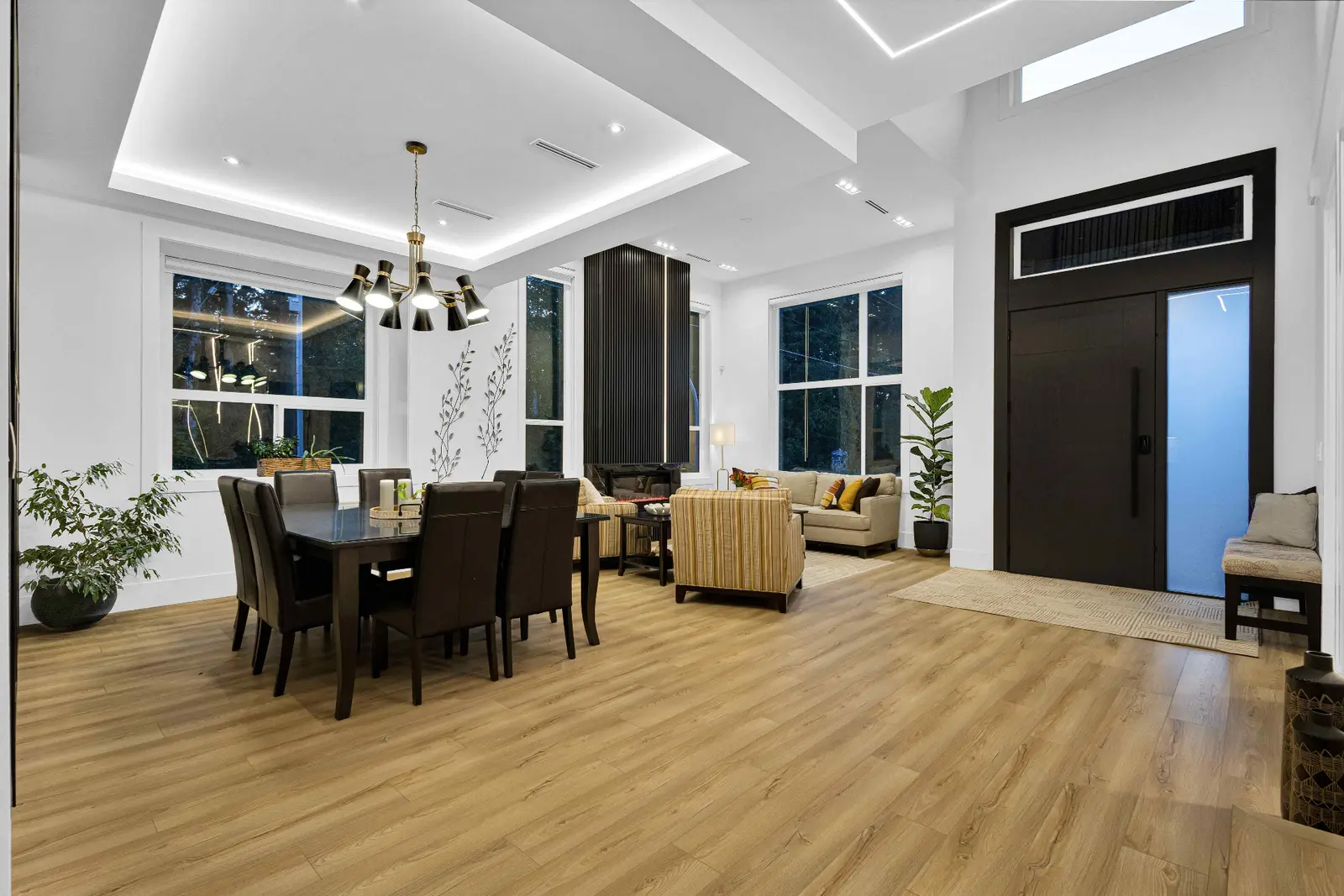
Virtual decluttering is an advanced photo editing process that digitally removes temporary personal items, excess furniture, and everyday surface mess from listing photos to showcase a room's true spatial potential. While it can cleanly erase laundry piles, counter clutter, and bulky couches, it cannot alter permanent structural elements, conceal damage, or change fixed architectural features. Knowing these boundaries protects sellers and real estate professionals from misrepresentation while keeping property marketing clear, polished, and effective.
Preparing a home for the market across Surrey, Langley, and the wider Lower Mainland can be demanding, particularly when sellers are still living in the property during the marketing phase. Everyday living generates natural disarray: small appliances populate kitchen counters, pet beds sit in hallways, and family calendars cover refrigerators. A digital declutter allows photographers and editing technicians to carefully remove these movable objects from marketing photographs, presenting buyers with clean, open spaces on screen.
During the editing process, technicians use sophisticated cloning, rendering, and background reconstruction methods to restore the flooring, walls, and baseboards that sit behind the removed items. This results in realistic object removal photos that preserve the property's authentic scale, lighting, and layout without showing the distracting possessions of the current occupants.
However, virtual editing is not a substitute for physical property preparation. It is a targeted presentation tool designed to highlight room dimensions when physical de-personalisation is constrained by tight listing schedules, active tenancies, or busy family routines.
Digital removal works best when applied to temporary, non-structural, and easily movable items. When done properly, the underlying surfaces look clean and natural, giving prospective buyers an uncluttered view of room proportions and natural light patterns.
Kitchen and bathroom counters are common candidates for digital cleanup. Virtual editing can seamlessly remove:
In homes with dense furniture layouts, rooms can feel smaller in standard wide-angle photography than they do in person. Editing specialists can remove entire furniture sets, such as oversized sectional sofas, crowded dining chairs, or cluttered storage units, opening up the space. If desired, this can also pave the way for complementary virtual staging to demonstrate modern, proportionate layout ideas.
Privacy is a significant priority for many homeowners in British Columbia. Digital removal helps protect seller identity and security by taking down:
Curb appeal matters across Lower Mainland neighbourhoods, from White Rock to North Vancouver. Exterior edits can eliminate parked cars in the driveway, garden hoses, recycling bins, children's bicycles on the lawn, and temporary patio furniture covers, allowing the architectural profile of the home to stand out cleanly.
While photo editing limits have expanded with new software capabilities, ethical guidelines and practical realities place strict boundaries on what should ever be altered. Virtual editing must never create a false impression of a property's physical condition or structural integrity.
Any element attached to the home or part of the real property cannot be removed or altered in marketing imagery. This includes:
Erasing these elements gives prospective buyers an inaccurate representation of usable square footage and layout constraints, leading to immediate disappointment during in-person private showings.
Digital tools must never be used to conceal deferred maintenance or property damage. Editing out water stains on ceilings, cracked floor tiles, torn drywall, damaged baseboards, or peeling exterior paint constitutes active concealment. Buyers who tour the property will immediately spot the discrepancy, which damages trust and can derail active negotiations.
Exterior marketing must reflect the actual environment surrounding the home. Photo editors cannot remove utility poles, overhead power lines, neighbouring houses, commercial buildings, or municipal infrastructure. Similarly, editing cannot add green foliage to dead trees or create mountain views where none exist from the property's actual sightlines.
Real estate advertising in British Columbia is subject to strict professional standards. Under guidance from regulatory bodies such as the BC Financial Services Authority (BCFSA), real estate professionals must ensure that all representations regarding a property are accurate and not misleading.
Presenting digitally modified images without proper context can cross the line into misrepresentation if the alterations lead a reasonable consumer to believe the physical property possesses features, dimensions, or finishes that do not exist. To maintain full transparency and comply with regulatory expectations, sellers and listing agents should observe three core principles:
Deciding between physical cleaning and digital removal depends on budget, time constraints, and the nature of the items in question. Use the following guide to determine the best approach for different areas of your listing.
While digital object removal solves difficult layout problems, doing as much physical preparation as possible produces the highest quality photography. A camera captures true reflections, lighting highlights, and natural texture far better when surfaces are clean in reality.
Before our team arrives for your media session, we recommend reviewing our comprehensive home prep guide. Focus on simple, high-impact tasks:
For items that simply cannot be packed away in time, let your photographer know which rooms require digital editing support so the appropriate angles and lighting can be captured for seamless post-production work.
Virtual decluttering is an effective visual asset when used within honest, professional boundaries. It helps prospective buyers focus on room flow, natural light, and architectural value without getting distracted by temporary possessions. By maintaining clarity about what has been edited and ensuring that structural realities remain unchanged, sellers present their properties with confidence while respecting buyer expectations.
If you are preparing a property for the Lower Mainland market and want to discuss visual marketing options, review our transparent service tiers on our pricing page or reach out to our team directly through our contact page. You can also reserve your photography session online by visiting our booking page.
Explore our photography service and local media coverage, or request an itemized quote.
#virtual decluttering #real estate photography #listing prep #photo editing #lower mainland
Rated 5.0 stars from 11 Google reviews — read our Google reviews.
Real estate photography, video, drone, floor plans and 3D tours across the Lower Mainland — listing photos delivered within 24 hours of the completed shoot; other delivery confirmed when you book.
Pricing · November 13, 2026 · 6 min read
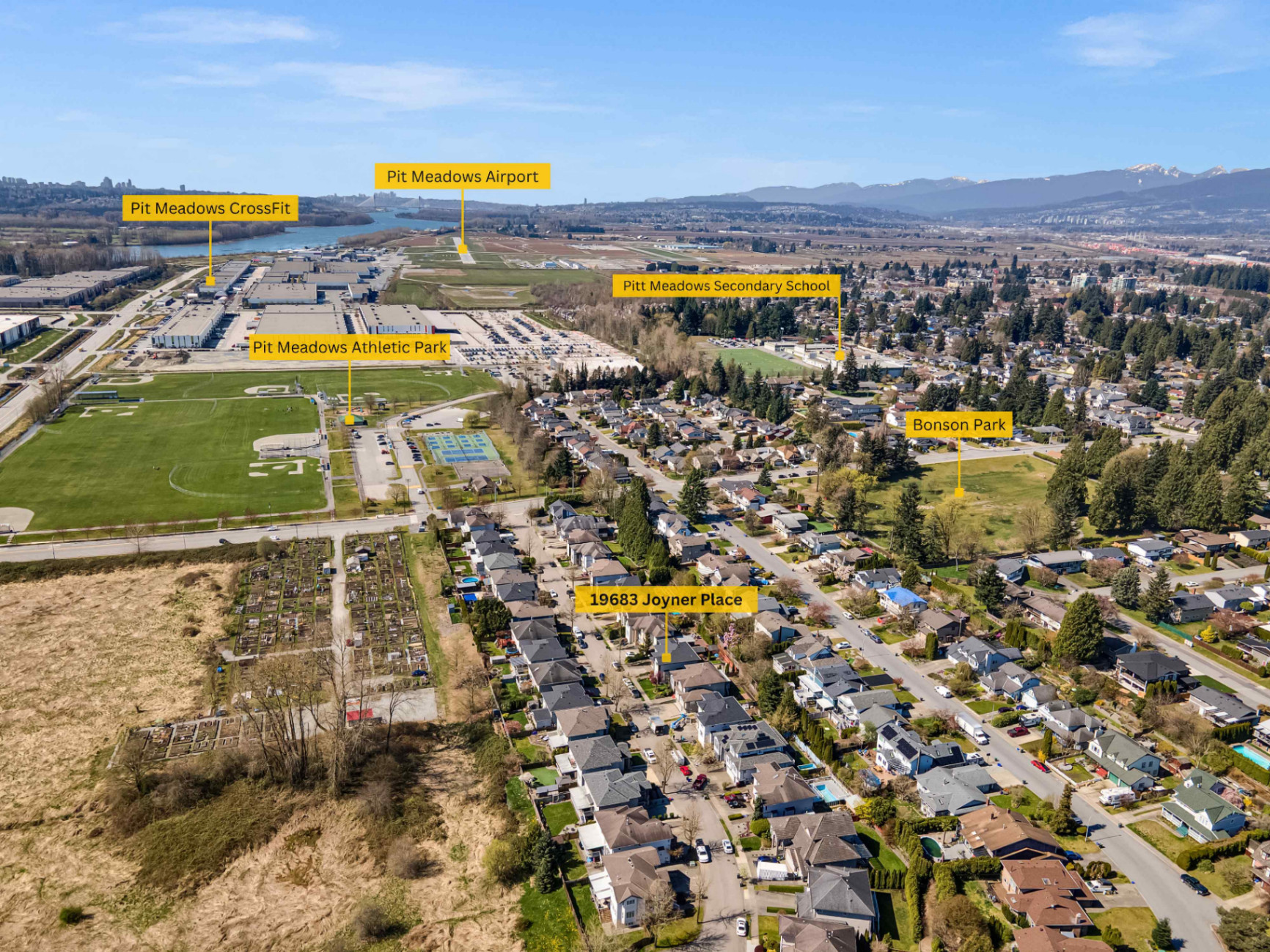
Photography · September 21, 2026 · 6 min read
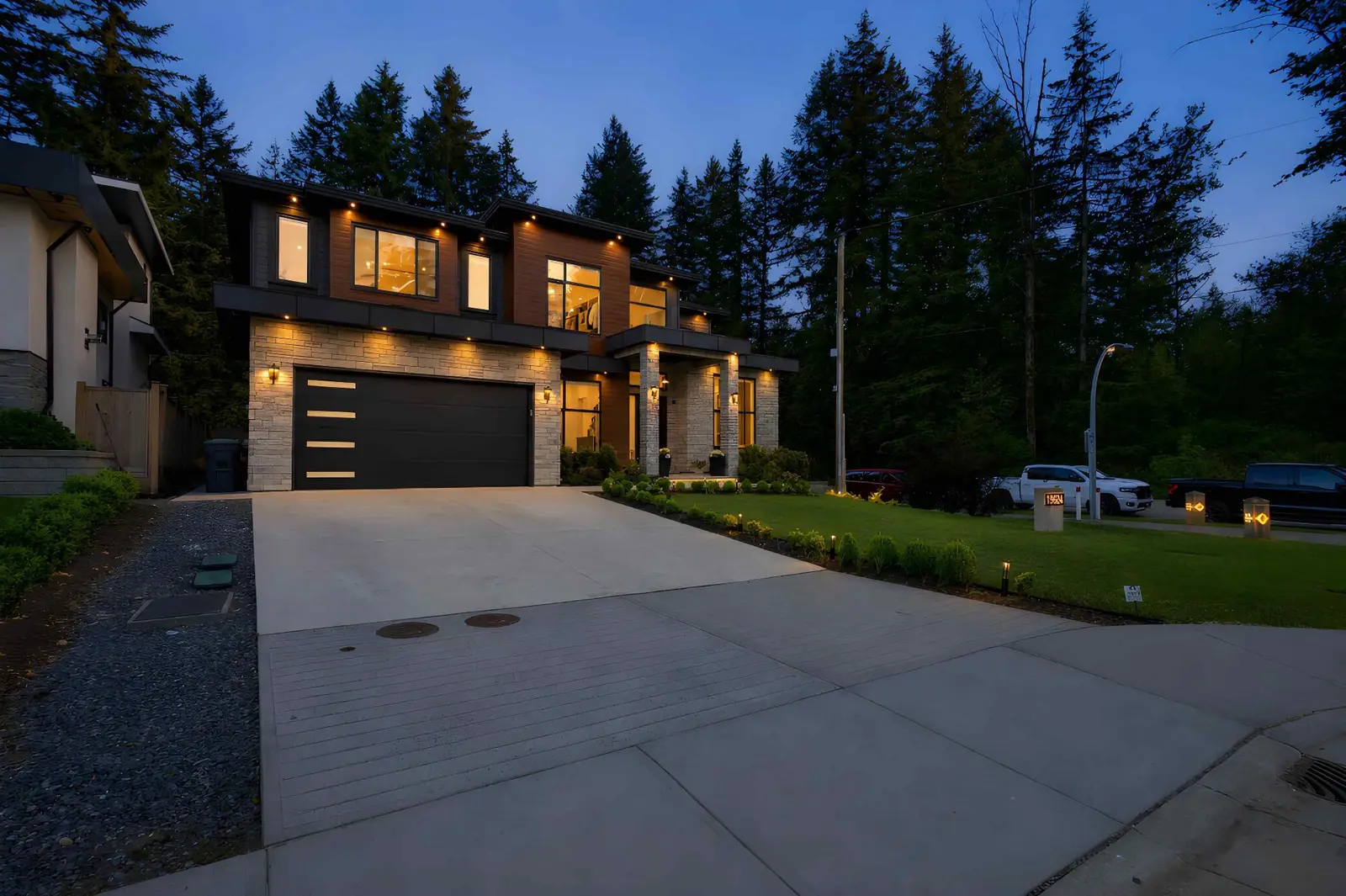
Home Prep · November 25, 2026 · 8 min read