
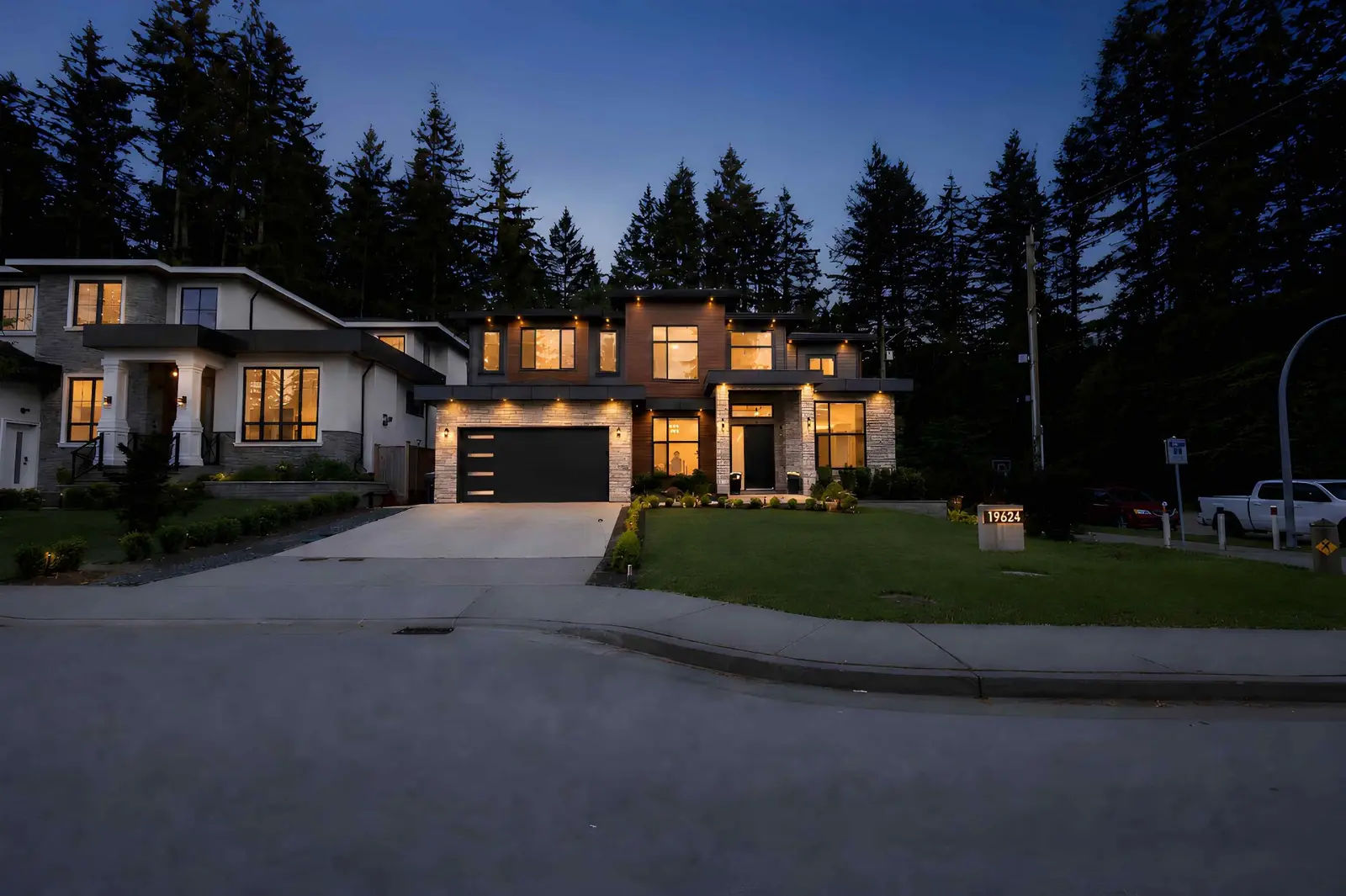
Marketing
Property Showcase Websites for BC Realtors: What to Include and How to Use One
July 28, 2026 · 10 min read
Photography
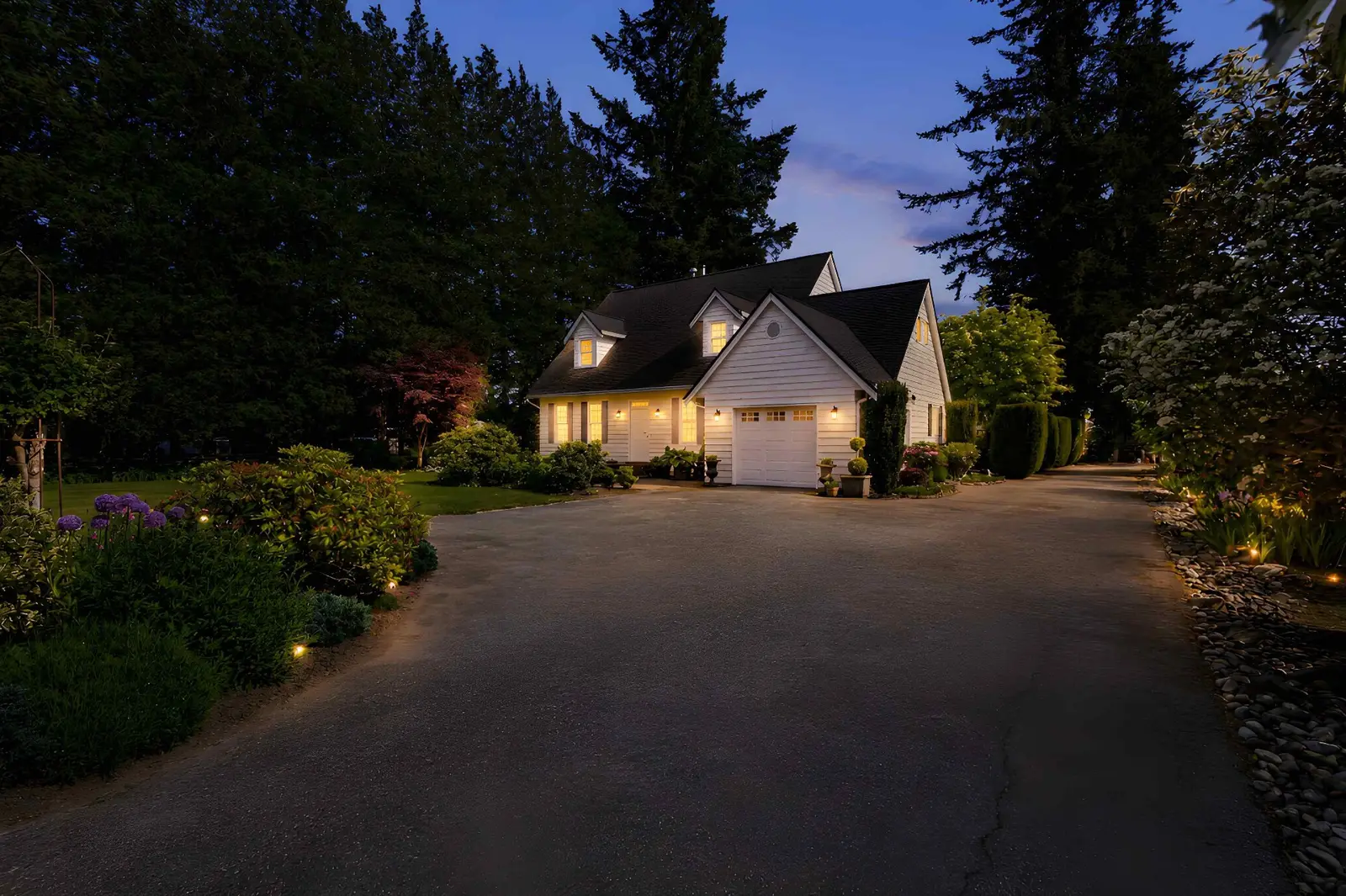
The camera did its job. The edit is finished. Then the MLS upload compresses your hero shot into something that looks like it was screenshotted from a fax machine. Getting real estate photos to travel cleanly from your delivery folder to the MLS, Realtor.ca, your brokerage site, social, and the printed feature sheet is a solved problem — but only if you deliver the right size and format for each destination. Here is how BC realtors can stop losing image quality between the photographer and the buyer.
MLS platforms, portals like Realtor.ca, and social networks all reprocess uploaded images. They resize, recompress, and sometimes convert format. If your source file is too small, they upscale a low-resolution image. If it is too large, they aggressively re-compress it and add artefacts. The right delivery size and format lets the platform's pipeline do its job cleanly, so the buyer sees a sharp photo instead of a soft, blocky approximation.
Rules of thumb — always confirm current requirements with your local BC board, MLS provider, and brokerage before uploading, since exact limits differ and change over time.
| Destination | Typical size | Format | Aspect ratio |
|---|---|---|---|
| MLS / Realtor.ca upload | Long edge around 2048 px, roughly 1–2 MB per image | JPEG | 3:2 landscape |
| Brokerage / property website | Long edge 2048–2560 px | JPEG or WebP | 3:2 landscape |
| Feature sheet (print, letter size) | Long edge 3000 px+, 300 DPI at target print size | JPEG or TIFF | 3:2 or crop to layout |
| Instagram feed (square) | 1080 × 1080 px | JPEG | 1:1 |
| Instagram feed (portrait) | 1080 × 1350 px | JPEG | 4:5 |
| Reels / TikTok / Stories | 1080 × 1920 px | JPEG for stills, MP4 for video | 9:16 |
| Facebook link preview | 1200 × 630 px | JPEG or PNG | 1.91:1 |
Three formats cover almost every real estate use case:
Simple rule: JPEG for MLS and print, WebP for your website when the CMS handles it, PNG for logos and diagrams.
Web platforms only care about pixel dimensions. A 2048 × 1365 pixel image is exactly the same on Realtor.ca whether it is tagged 72 DPI or 300 DPI — the DPI setting is metadata the browser ignores. DPI only matters for print, where it defines how large the image can be printed at good quality. As a rough guide, 300 DPI at your target print size — so a 3000 × 2000 pixel image is comfortable at 10 × 6.7 inches on a feature sheet.
Practical translation: ask for MLS/web exports in pixel dimensions, and ask for print exports in pixel dimensions plus DPI at the actual print size you need.
Deliver a landscape master and produce vertical or square crops per platform — do not force one aspect ratio to serve every channel.
The first image on your MLS listing does more work than any other photo. Buyers scroll fast; the hero has one job, which is to make the buyer pause. A few practical habits:
The single biggest reason photos get uploaded wrong is that agents cannot find the right export in a shared folder. A clean structure per listing prevents 90% of the friction:
01_hero.jpg so it sorts first.Consistent file naming — ADDRESS_ROOM_INDEX.jpg — keeps everyone on the same page: photographer, agent, marketing coordinator, printer.
The same "right file for the right channel" logic applies to video. A cinematic landscape edit for the MLS and YouTube, a 15–30 second vertical cut for Reels and TikTok, and a shorter teaser for stories. See our videography services for delivery formats we ship by default.
Across Surrey and the wider Lower Mainland, the delivery specs above are a practical starting point rather than a universal rule — exact requirements vary by board, MLS provider, brokerage, and destination platform, and they change over time. Confirm current caps, dimensions, and filename conventions with your specific board and brokerage before uploading.
Ready Set Sold Media delivers listing photos and video pre-sized for MLS, Realtor.ca, web, social, and print out of the box. Explore packages, book a shoot at /book, or read more about our real estate photography.
Explore our photography service and local media coverage, or request an itemized quote.
As a practical delivery starting point, JPEG at roughly 2048 pixels on the long edge in a 3:2 landscape aspect ratio at moderate JPEG quality (about 1–2 MB per image) travels well through most upload pipelines. Exact requirements vary by board, MLS provider, and brokerage, so verify current specs before uploading.
JPEG for photography — every MLS and print workflow expects JPEG. Reserve PNG for logos, floor plans, and graphics with transparent backgrounds. WebP works well on modern brokerage websites but is not always accepted by MLS upload tools.
No. Web platforms including the MLS and Realtor.ca only read pixel dimensions, not DPI. DPI only matters for printed materials like feature sheets, postcards, and signs, where 300 DPI at the target print size is the practical benchmark.
3:2 landscape is a practical default that most BC MLS systems display well. Save 4:5 and 1:1 crops for Instagram feed, and 9:16 for Reels, TikTok, and Stories. Confirm preferred ratios with your board and MLS provider.
Upload enough photos to walk a buyer through the home logically — main living areas, kitchen, bedrooms, baths, outdoor space, and any standout features — up to the maximum your board and MLS platform allow. Photo caps vary and change over time, so verify the current limit for your specific MLS before you go active.
Yes. Web/MLS exports and print exports serve different purposes and are sized differently. A clean per-listing structure — /MLS/, /Web/, /Social/, /Print/, /Originals/ — prevents wrong-file uploads and keeps quality consistent across every channel.
Rated 5.0 stars from 10 Google reviews — read our Google reviews.
Ready to Apply This?
Real estate photography, video, drone, floor plans and 3D tours across the Lower Mainland — listing photos delivered within 12 hours of the completed shoot; other delivery confirmed when you book.
Keep Reading
Marketing
July 28, 2026 · 10 min read
Floor Plans
July 21, 2026 · 8 min read
Photography
October 28, 2026 · 5 min read