Photography
MLS Photo Size & Format Guide for BC Realtors in 2026
July 25, 2026 · 8 min read
Marketing
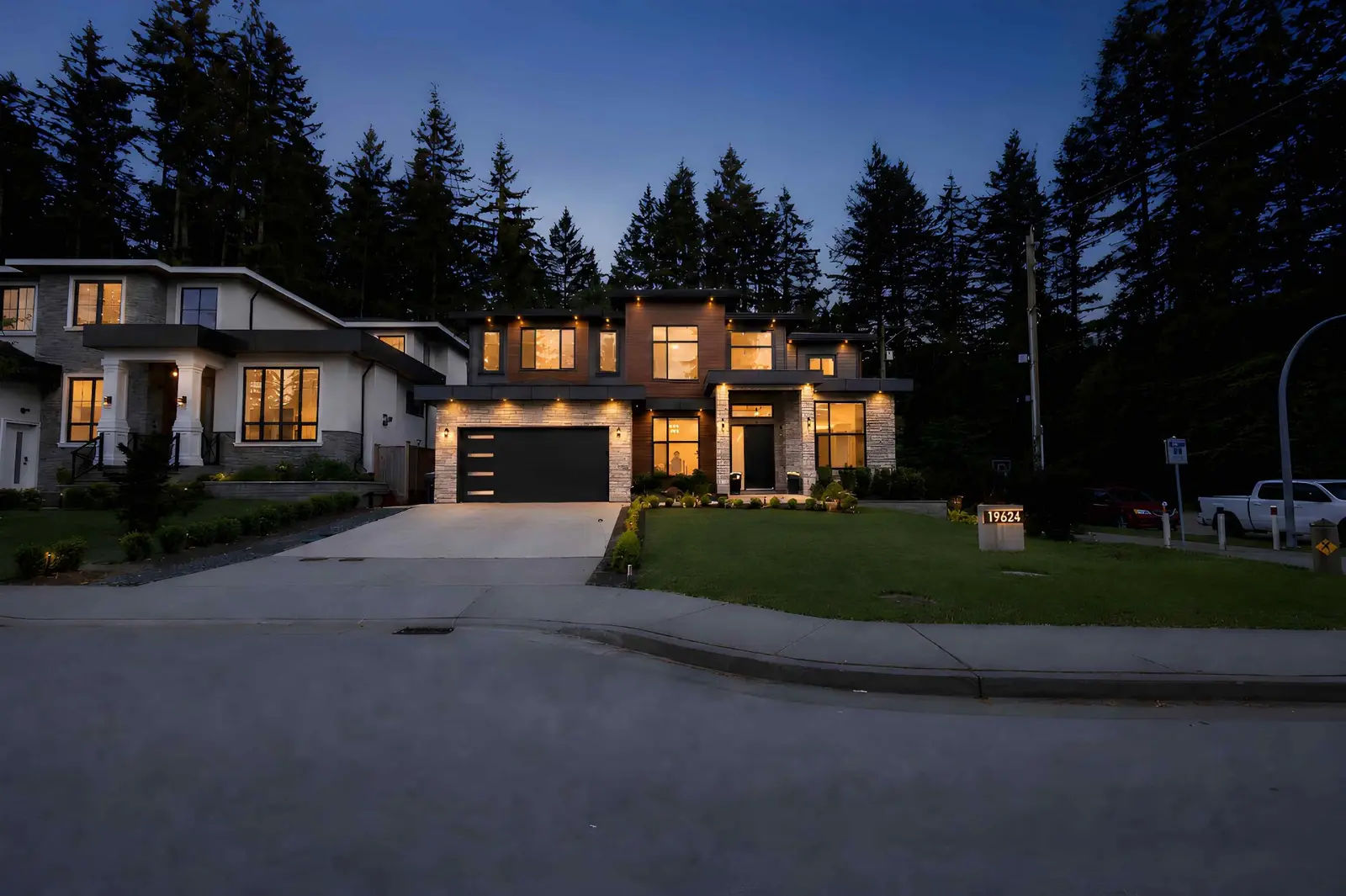
A Property Showcase Website is a dedicated page for one listing — its own URL, its own gallery, its own video, and its own call to action. It does not replace Realtor.ca or the MLS; it complements them. For a BC realtor, it is the one link you can share on social, in email, on a QR code, and in a seller update where everything about the listing lives in one clean place.
MLS and Realtor.ca are search platforms. They are optimized for buyers browsing many listings side by side, and they use standardized fields, layouts, and media handling so listings display consistently across the network. A Property Showcase Website flips that: one listing, full attention, room for cinematic media, and control over how the property is presented. Think of it as the listing's own home page while it is on the market.
It sits alongside — not in place of — your MLS listing and your brokerage's syndicated feed. Anything you publish publicly is still subject to brokerage, board, and MLS rules, including CREA's REALTOR Cooperation Policy: public marketing can trigger MLS submission obligations, and a Property Showcase Website should never be used to sidestep those obligations. When in doubt, confirm with your brokerage and board.
A strong listing site earns attention in the first screen and then rewards a buyer or agent who scrolls. A practical section list:
Two flavours of the same page are common:
Some agents assume an unbranded link is automatically MLS-safe or Realtor.ca-safe. In practice, whether a link is acceptable in an MLS or Realtor.ca "virtual tour" or "media" field is board-, brokerage-, and MLS-system-dependent — not decided by the property website provider. Confirm your specific rules — whether unbranded means "no agent name," "no contact info," "no brokerage logo," or something stricter — before pasting a link.
A property website earns its keep through distribution. Practical channels for a Lower Mainland listing:
The value is not that a property website replaces MLS — it is that you can point every audience to one organized, well-designed page in a format you control. Practically, a Property Showcase Website centralizes the listing's media and messaging and makes it easy to share across social, email, print, and open houses. It does not guarantee any specific outcome; use it as a hub for your marketing, not as a shortcut around it.
The Property Showcase Website is the anchor of a listing marketing kit. Everything else is built off the same assets:
This is a planning comparison — a way to think about the trade-offs when scoping a Property Showcase Website with any provider. It does not describe what Ready Set Sold Media currently includes in any package; see our pricing page and booking flow for current offerings.
| Element | Streamlined site (planning) | Full-featured site (planning) |
|---|---|---|
| Photo gallery | Full resolution, ordered | Full resolution, ordered, with room labels |
| Video | Optional | Cinematic tour + short vertical cut |
| Floor plan | Downloadable PDF | 2D plan + interactive 3D walkthrough |
| Aerial / context | — | Drone gallery + neighbourhood map |
| Branded / unbranded | Branded only | Both, where the provider supports it |
| Analytics | Basic page views, if provided | UTM-tagged, per-channel reporting, if provided |
| Lead capture | Contact button | Form + showing request + follow-up automation, if provided |
Treat analytics, paired branded/unbranded URLs, and follow-up automation as optional features you can request from a site provider — confirm what your chosen provider actually offers before assuming any of these are included.
The pattern shows up cleanly across the region:
See below for quick answers on branded vs unbranded links, MLS use, and how a property website fits into a listing marketing kit.
We produce the underlying media — photography, videography, drone, 2D floor plans, and interactive 3D tours — plus optional Property Showcase Websites that pull it all together. See pricing, review our service area, or book a shoot to get started.
Explore our photography service and local media coverage, or request an itemized quote.
No. MLS and Realtor.ca are the primary search platforms and syndication network. A Property Showcase Website is an additional, agent-controlled page that hosts the full media package and a single shareable link. It works alongside the MLS listing, not in place of it.
Not automatically. What counts as an acceptable unbranded link in an MLS virtual tour or media field is set by your board, MLS provider, and brokerage. Always confirm current rules before pasting a link — 'unbranded' can mean different things on different systems.
It can. Public marketing of a property can trigger MLS submission obligations under the REALTOR Cooperation Policy. A property website should never be used to avoid brokerage, board, or MLS obligations; check with your brokerage before publishing coming-soon or private-listing content.
Hero image or video, address, price, key facts, description, photo gallery, cinematic video, 2D floor plan, interactive 3D tour, drone or neighbourhood context, agent branding and contact CTA, and showing/open-house information with any required disclosures.
Use one link across MLS virtual tour fields where permitted, Realtor.ca media fields, social bio and posts, YouTube video descriptions, email campaigns, QR codes on print and signage, seller update emails, and open-house follow-ups. UTM-tag each channel so you can see what actually drives traffic.
Ready Set Sold Media offers Property Showcase Websites alongside its real estate media services across the Lower Mainland. For the current site format, distribution options, and pricing, see our pricing and booking pages, and confirm your board and brokerage's distribution rules before publishing branded or unbranded links.
Rated 5.0 stars from 10 Google reviews — read our Google reviews.
Ready to Apply This?
Real estate photography, video, drone, floor plans and 3D tours across the Lower Mainland — listing photos delivered within 12 hours of the completed shoot; other delivery confirmed when you book.
Keep Reading
Photography
July 25, 2026 · 8 min read
Floor Plans
July 21, 2026 · 8 min read
Photography
October 28, 2026 · 5 min read