Pricing
What Drives the Price of Listing Media Up or Down?
October 14, 2026 · 5 min read
Marketing
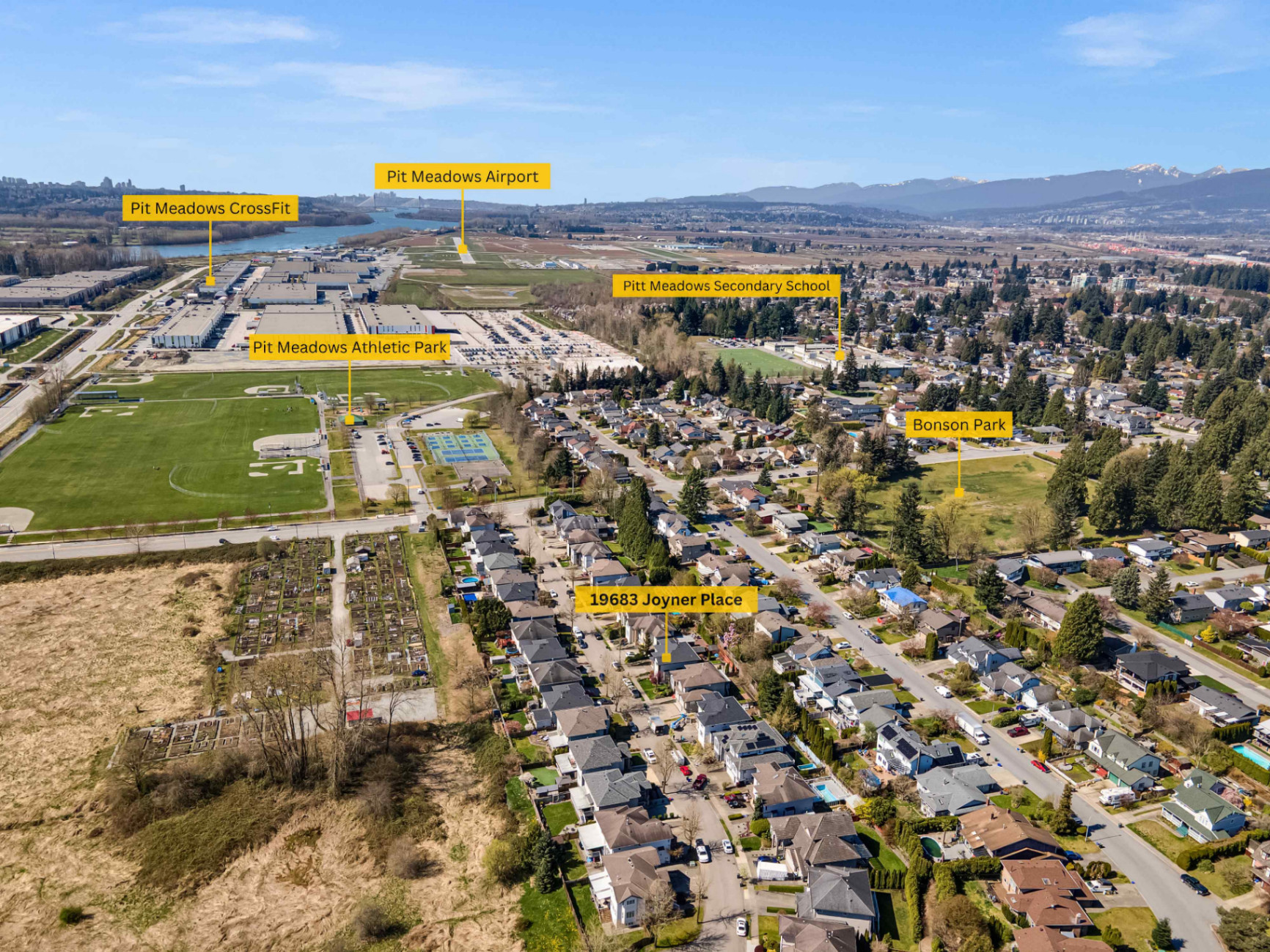
Google Business Profile photos provide prospective home buyers and sellers with immediate visual proof of your professionalism and local market activity. Maintaining a curated library of high-resolution headshots, architectural interior captures, exterior property views, and neighbourhood imagery helps establish credibility across Surrey and the broader Lower Mainland. By updating your profile consistently with clean visual assets, you ensure your real estate practice remains distinct and recognisable in local search results.
When potential clients search for real estate services in Surrey, South Surrey, or Langley, the Google Map Pack and local search panels are frequently their first point of contact with your brand. Visual media plays a central role in how searchers evaluate your practice. A profile without images or one populated exclusively by low-resolution smartphone snapshots can give the impression of an inactive or unpolished business.
High-quality professional real estate photography signals attention to detail and marketing competence. Sellers reviewing your business profile media evaluate not only your personal presentation but also the standard of visual marketing you will bring to their own listings. A comprehensive media collection communicates that you invest in quality across every touchpoint of your real estate business.
Google allows business owners to categorise their images into distinct groups. For realtors, balancing these categories creates a balanced portfolio that reflects your day-to-day services, community focus, and professional standards.
Your primary profile photo and identity images should feature a clean, well-lit professional headshot. Real estate is fundamentally a relationship-driven industry, and prospective clients want to recognise the person they will be meeting for property tours or listing consultations.
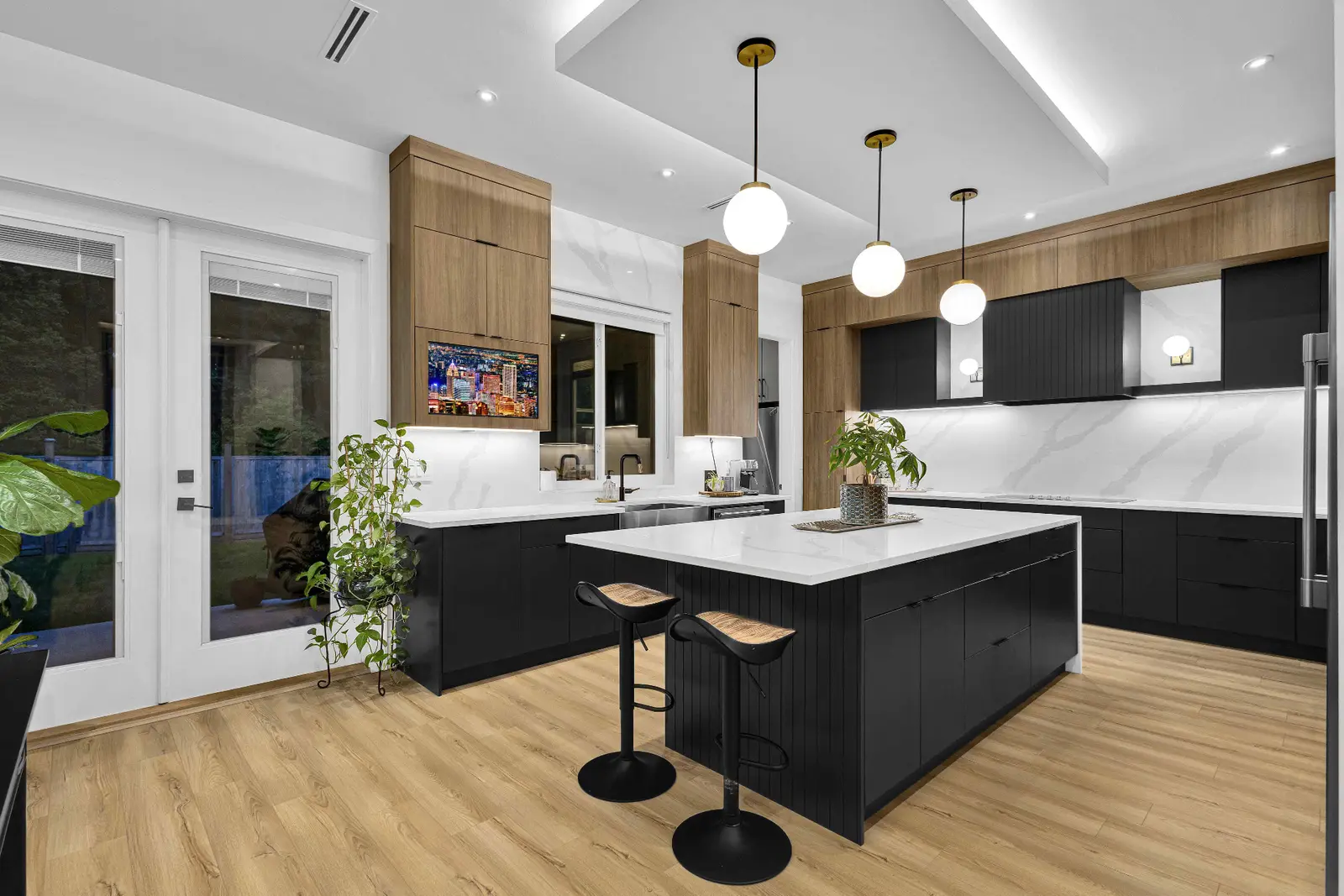
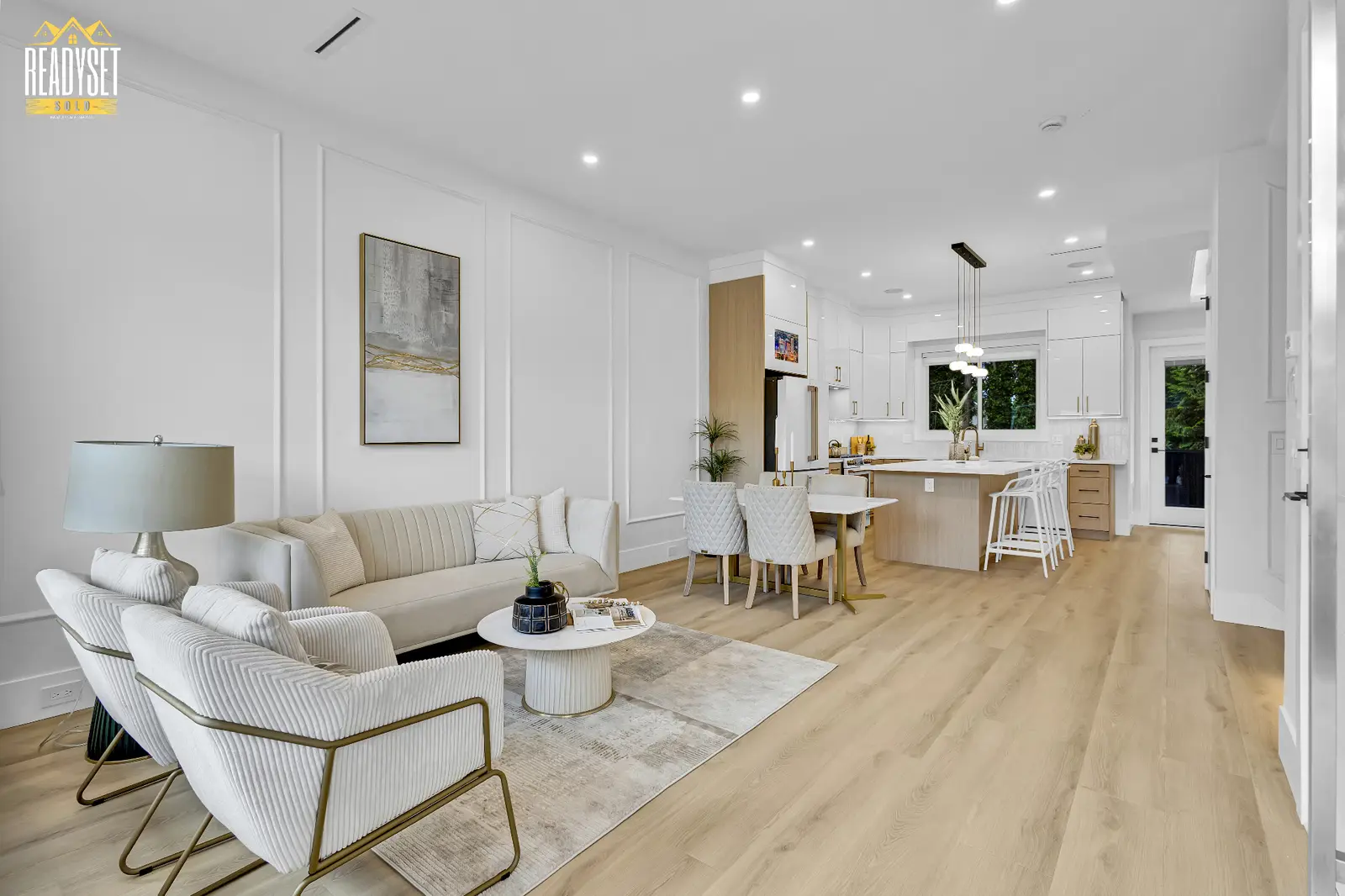
Interior photography illustrates your standard of representation. Rather than uploading entire listing galleries, select five to ten exceptional interior images from your recent listings across the Fraser Valley and Lower Mainland.
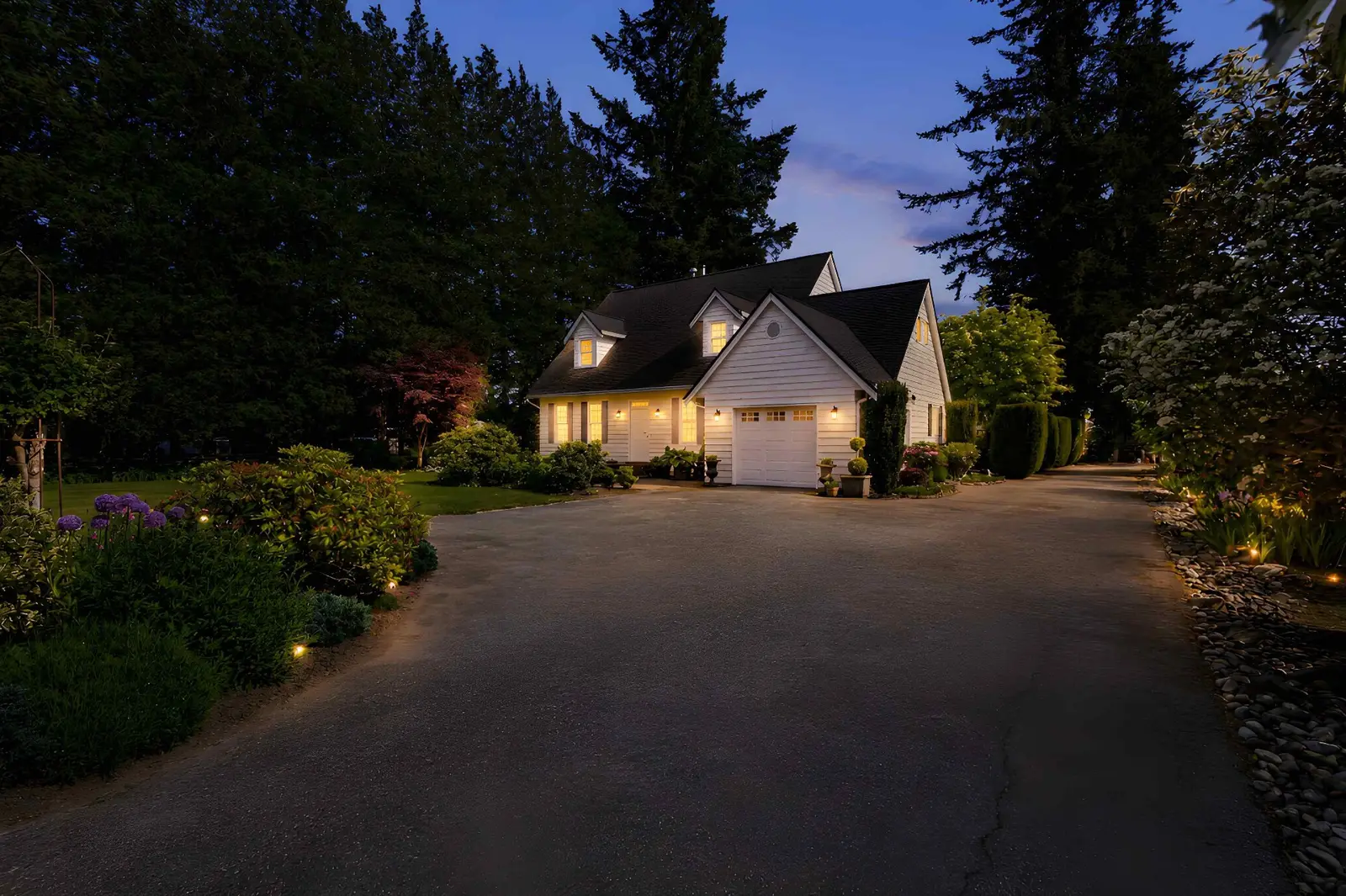
Exterior photographs anchor your profile in the specific communities you serve. For a realtor based in Surrey, including exterior imagery from neighbourhoods such as Fleetwood, Morgan Crossing, Fraser Heights, and Panorama Ridge demonstrates geographic presence.
Google Business Profile includes specific sections for interior and exterior office photos. If you work from a brokerage office in Surrey, White Rock, or Burnaby, adding photos of the physical location reassures clients of your legitimacy.
Adhering to official technical specifications ensures that your media displays cleanly across desktop monitors, tablets, and mobile devices. Low-resolution or improperly formatted images may be compressed awkwardly or cropped in local search results.
According to the official Google Business Profile Help Centre, photos uploaded to your profile should meet clear format and quality standards:
Maintaining your business profile media requires ongoing organization. Use this structured approach to audit and refresh your visual assets systematically.
surrey-modern-home-interior.jpg rather than generic camera strings.For a detailed breakdown of complete profile management, refer to our downloadable Google Business Profile checklist.
Real estate advertising in British Columbia requires strict adherence to privacy legislation and regulatory standards. When selecting photos for your Google Business Profile, ensure you respect property owner rights and professional guidelines outlined by the BC Financial Services Authority (BCFSA) and your local real estate board.
A consistent, high-standard visual library sets the foundation for local visibility and client confidence across Surrey, Langley, and the Lower Mainland. Investing in professional photography ensures that every property you represent and every digital profile you maintain communicates quality and competence.
To explore options for refreshing your headshots, listing captures, or architectural portfolio, review our transparent media pricing or reach out to our studio to plan your next photography session. You can also proceed directly to our online reservation page to schedule your shoot with our local team.
Explore our photography service and local media coverage, or request an itemized quote.
Realtors should aim to upload new photos every one to two weeks. Adding fresh interior, exterior, or community images on a regular schedule shows prospective clients and search engines that your real estate practice is active and consistently marketing properties in your local market.
Google requires a minimum resolution of 720 by 720 pixels, but uploading high-resolution images around 1200 by 900 pixels or higher provides crisp rendering on modern high-density screens. Maintain an aspect ratio between 4:3 and 1:1, keeping file sizes between 10 KB and 5 MB.
You may use selected architectural or interior images if you have the appropriate permissions and licensing rights from both the photographer and the property owner. Ensure that no private personal details, family photos, or security features are visible, and confirm compliance with your local real estate board rules.
Google may reject photos if they contain excessive text overlays, large phone numbers, heavy promotional watermarks, or severe digital filters. Images that are blurry, excessively low in resolution, or formatted outside standard JPG/PNG guidelines may also be automatically flagged and removed.
Rated 5.0 stars from 10 Google reviews — read our Google reviews.
Ready to Apply This?
Real estate photography, video, drone, floor plans and 3D tours across the Lower Mainland — listing photos delivered within 12 hours of the completed shoot; other delivery confirmed when you book.
Keep Reading